Best Blinds for Your Home Office in 2026
Remote work is here to stay. If you're spending 8+ hours a day in your home office, the light hitting your screen, the noise from outside, and the temperature of your room directly affect your productivity, comfort, and even your video call appearance. Here's how to optimize it all with the right blinds.
Shop Now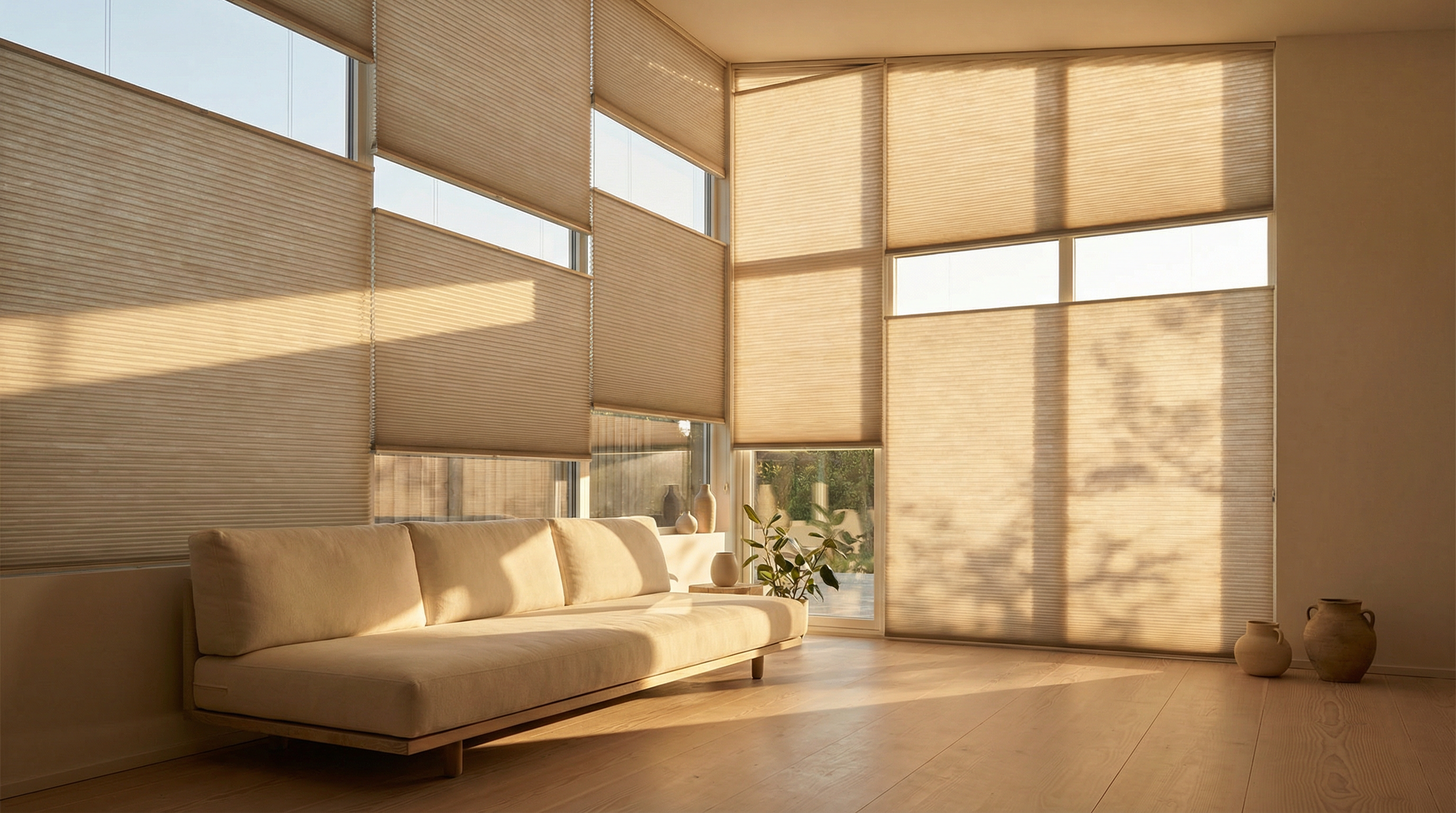
The #1 Home Office Problem: Uncontrolled Light
If you've ever squinted at your monitor because the afternoon sun turned your screen into a mirror, or looked washed out on a Zoom call because of harsh backlighting, you know the problem. Uncontrolled natural light is the biggest productivity killer in home offices.
The challenge is that you want natural light — it boosts mood, reduces eye strain, and makes your workspace feel alive. But you need it diffused and controlled, not blasting directly onto your screen or behind your head during video calls.
This is exactly what honeycomb blinds are designed for. The cellular structure takes harsh, directional sunlight and transforms it into soft, even, ambient light — the kind that illuminates your face naturally on camera and eliminates screen glare without making the room feel dark.
4 Ways the Right Blinds Boost Your Productivity
Eliminate Screen Glare
Light filtering honeycomb blinds reduce direct sunlight by 70-80% while keeping the room bright. No more repositioning your desk or squinting at your screen as the sun moves through the day.
70-80% glare reductionPerfect Video Call Lighting
Diffused natural light is the gold standard for video calls — it illuminates your face evenly without harsh shadows. Honeycomb blinds create exactly this effect, making you look professional without a ring light.
Natural soft-box effectReduce Distracting Noise
The honeycomb air pockets absorb sound, reducing outside noise from traffic, construction, and neighbors. Essential for focus work and clear audio on calls — especially in apartments.
Up to 45% noise reductionRegulate Temperature
Home offices in sun-facing rooms overheat in summer and freeze in winter. Honeycomb insulation (R-value 3.8) keeps the temperature stable, so your HVAC isn't fighting your windows all day.
R-3.8 thermal insulationBlind Settings by Desk Position
Your ideal blind setting depends on where your desk faces relative to the window. Here's a quick reference:
Desk Facing Window
Setting: Light Filtering — pulled to 70-80% coverageReduces direct glare on your screen while keeping the view. The honeycomb diffusion eliminates hot spots without making you feel enclosed.
Best for: Creatives who want inspiration from outside views
Window Behind You (Video Calls)
Setting: Light Filtering — pulled to 50-60% coveragePrevents backlighting that makes you a silhouette on camera. The diffused light wraps around you, creating natural fill light that looks professional.
Best for: Frequent Zoom/Teams callers
Window to the Side
Setting: Light Filtering — adjust throughout the dayThe ideal setup for most home offices. Side light provides even illumination. Adjust the blind height as the sun moves — pull down more in the afternoon when the sun is lower.
Best for: All-day productivity
Multiple Windows / Corner Office
Setting: Mix of Light Filtering and BlackoutUse light filtering on the window you face and blackout on the window behind you. This gives you ambient light without any glare or backlighting issues.
Best for: Executives and managers with frequent video meetings
Protect Your Eyes: The Science of Light Quality
The American Academy of Ophthalmology recommends working in evenly distributed, indirect natural light to reduce digital eye strain. Direct sunlight creates contrast ratios that force your eyes to constantly adjust between the bright window and your screen — leading to headaches, fatigue, and blurred vision.
Honeycomb blinds solve this by converting directional light into diffused ambient light. The cellular structure scatters light rays in multiple directions, creating even illumination across the room. This reduces the contrast ratio between your screen and surroundings, significantly reducing eye strain during long work sessions.
A Cornell University study found that workers with optimized natural light exposure reported 84% fewer headaches, 63% less eye strain, and a 2% increase in productivity — equivalent to an extra 50 minutes of focused work per week. The key factor was diffused natural light, not direct sunlight.
Why Remote Workers Choose Sunset
Upgrade Your Home Office Today
Better light, less noise, stable temperature — all from a 10-second install. Your productivity (and your video call appearance) will thank you.